Lane Detection in Static and Dynamic Changing Environment Using OpenCV
15 Aug 2019
Reading time ~2 minutes
Loading the image
OpenCV reads an image using the method imread. Here I load a photo taken when I was driving in Hocking Hills State Park.
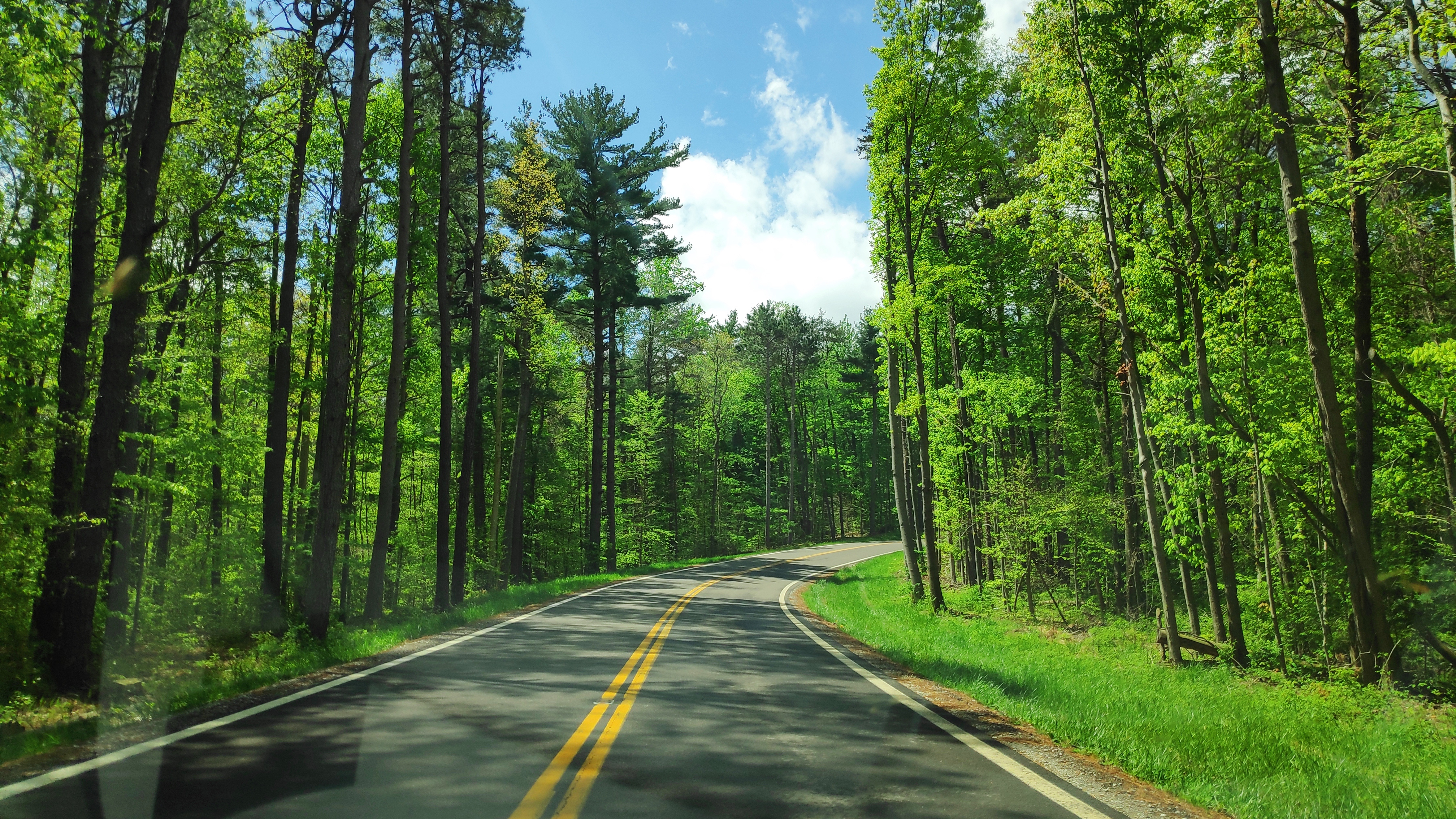
img = cv2.imread('IMG_20190502_123019.jpg')
The method returns a multi-dimensional numpy array, which contains the relative intensity of each pixel in the image.
Since the original image was 4032 * 2268, I need to resize it by about 30%. The resized image thus has
def resize(img, proportion):
    width = int(img.shape[1] * proportion)
    height = int(img.shape[0] * proportion)
    dim = (width, height)
    return cv2.resize(img, dim, interpolation = cv2.INTER_AREA)
First I need to convert the colored image (3 channels) into grayscale image (1 channel). So do this by
def to_grayscale(img):
    return cv2.cvtColor(img, cv2.COLOR_RGB2GRAY)
Once the image is converted to grayscale, the next step is to reduce noise by applying Gaussian blur. This is the same idea as in EEG signal processing, where we apply filters.
Canny Edge Detection (Canny, 1986)
Wherever we see a sharp change in intensity or color, there could be an edge. Then,
The algorithm is implemented in four steps. I’ll be using a tutorial from Bill Green (2002).
Gaussian filter the image
This step is to use a 5*5 Gaussian filter to reduce the noise in the image. If we do it separately, this step can be implemented by cv2.GaussianBlur function.
filtered = cv2.GaussianBlur(img, (5, 5), 0)